

EmbedEdit
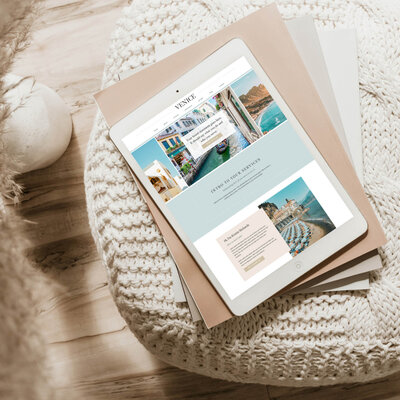
Using a website template will not make your site look the same as everyone else’s. Your branding, images, content, and how you customize the design all play a much bigger role in how your website actually looks and feels. Even with the same template, two websites can look completely different.
Why Website Templates Don’t All Look the Same
The idea that templates create identical websites is one of the biggest misconceptions in web design.
In reality, a template is just a starting structure. What makes your site unique comes from everything you layer on top of it.
For two websites to look the same, all of the following would need to match:
- Similar brand colors and fonts
- Similar logo styles
- The same types of images
- A similar tone of voice
- The same use of layout and spacing
That combination is rare.
Even small differences, like how you use your colors or the type of imagery you choose, can completely change the overall feel of your website.
What Actually Makes a Website Feel Unique
If you want your site to stand out, focus less on the template and more on your brand expression.
Here are the elements that truly define your website:
1. Your Branding
Your colors, fonts, and logo set the tone immediately. Even with the same template, a bold, high-contrast brand will feel completely different from a soft, neutral one.
2. How You Use Color
Two brands can use the same palette but create very different experiences. One might lean into white space with subtle accents, while another uses color-heavy sections for impact.
3. Your Images
Photos are one of the most powerful differentiators. A travel advisor specializing in luxury Europe trips will have a very different visual style than one focused on family vacations or cruises.
4. Your Messaging
Your voice, positioning, and offers shape how your audience connects with your site. This is something no template can replicate.
What Makes a Website Template “Look the Same”
Websites tend to look similar only when too much of the original template is left untouched.
This usually happens when:
- The demo colors are kept
- Default fonts are not changed
- Stock images are reused
- Layouts are not adjusted at all
This is most common with DIY builds where the template is used exactly as-is.
If you want a more polished and unique result, this is where working with a designer or using a semi-custom approach can make a big difference.
How to Customize a Template So It Feels Like Your Brand
If you love the efficiency of templates but want a custom feel, here’s how to get the best of both worlds:
Update All Branding Elements
Replace every default element with your own:
- Brand colors
- Fonts
- Images
- Logo
This alone creates a major transformation.
Adjust Layouts (Strategically)
You don’t need to redesign everything. Small layout tweaks can go a long way:
- Reorder sections
- Add or remove blocks
- Combine elements from different pages
If you want deeper customization without starting from scratch, this is where semi-custom design comes in.
Make Your Homepage Stand Out
Your homepage is your first impression. Focus your effort here.
Try:
- A video background instead of a static image
- A unique hero section layout
- Strong, clear messaging above the fold
Even small changes here can make your site feel completely different.
Add Personal Design Details
Subtle touches can elevate your site:
- Custom icons
- Unique section dividers
- Layered imagery or overlays
These details create a more branded, intentional experience.
The Truth Most Business Owners Miss
Your ideal client is not comparing your website to five others using the same template.
You are seeing more websites in your industry because:
- You follow competitors
- You’re in similar networking spaces
- Your algorithm shows you related content
Your clients are not in that same bubble.
The likelihood that they will:
- Find another site using the same template
- Notice the similarity
- Compare the two
is extremely low.
In most cases, this concern feels bigger than it actually is.
Practical Takeaways
- Templates are a starting point, not the final design
- Branding and imagery have a bigger impact than layout
- Avoid leaving demo content unchanged
- Focus your customization on high-impact areas like the homepage
- Your ideal client is not analyzing templates the way you are
If you’re exploring templates or thinking about upgrading your site, here are a few next steps:
- Explore professionally designed options: https://inflowdesignco.com/travel-website-templates
- Learn more about custom and semi-custom design: https://inflowdesignco.com/travel-branding-website-design
FAQs
Will my website look unprofessional if I use a template?
Not at all. Templates can look highly professional when paired with strong branding and thoughtful customization. In many cases, they provide a more polished result than a poorly executed custom build.
Is it better to use a template or go fully custom?
It depends on your needs and budget. Templates are a great option if you want a strategic, cost-effective solution. Custom or semi-custom design is ideal if you want deeper personalization and flexibility.
How much should I customize a template?
At a minimum, you should update all branding, images, and content. Beyond that, focus on key areas like your homepage and messaging to create a distinct experience without overcomplicating the design.
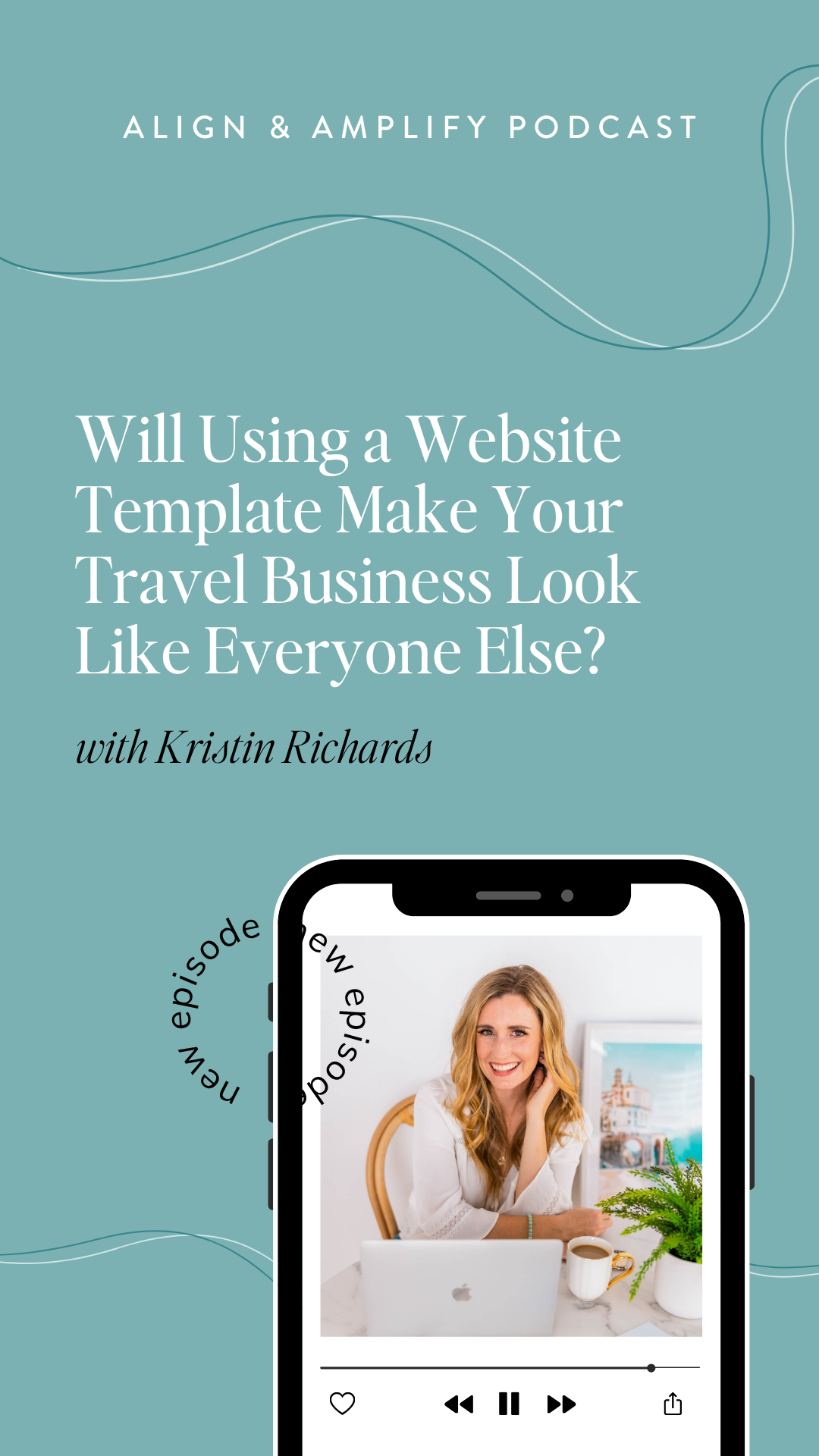
Want to stay in the loop for all future Align & Amplify Podcast episodes?!
CLICK HERE to subscribe on Apple Podcasts!